
Imagine you sell wedding photography in Jaipur. You set up a Google Ad for "wedding photographer". A week later you see clicks from people searching "wedding photographer jobs", "free wedding photos" and "wedding photographer course".
You paid for every one of those clicks. And not one of them wanted to hire you.
This is the problem match types and negative keywords solve.
What a match type is
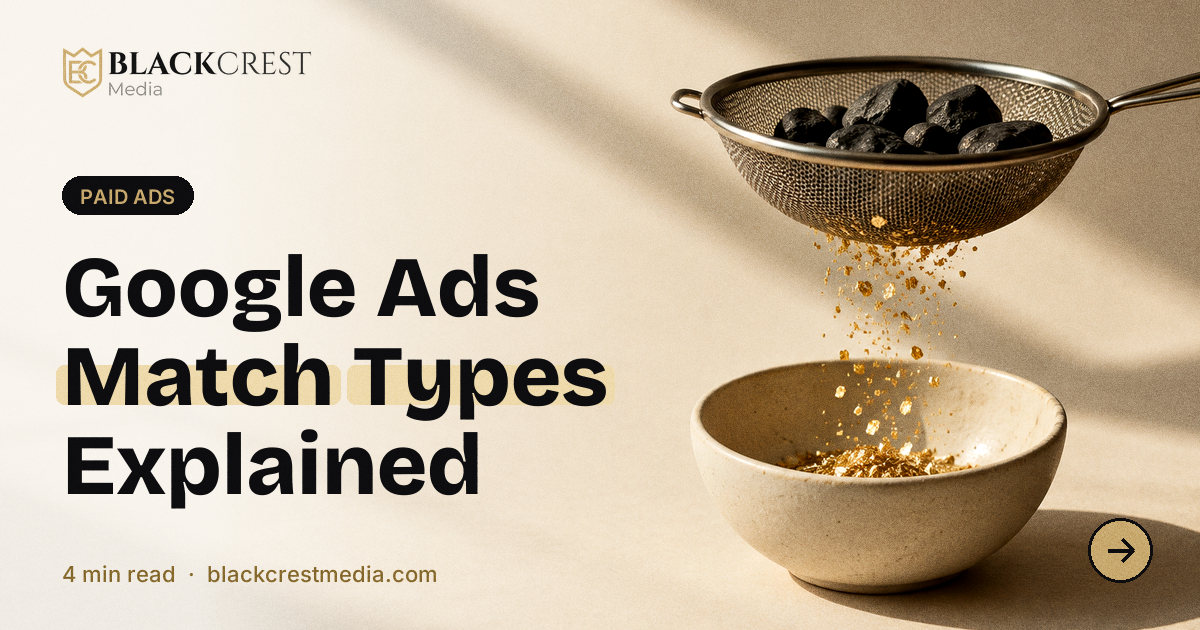
When you add a keyword to Google Ads, you also tell Google how closely a search must match it. That setting is the match type.
There are three:
- Broad match
- Phrase match
- Exact match
Broad match
You write the keyword plainly: wedding photographer.
Google may show your ad for searches it thinks are related, even if the words are different. That could include "marriage photography packages" or "camera for wedding shoot".
Good: reaches many searches and finds ideas you did not think of. Risky: can bring a lot of irrelevant clicks, especially on small budgets. Google's smart bidding uses signals to guide it, but without good tracking it can drift.
Phrase match
You write it in quotes: "wedding photographer".
Your ad can show when the search includes the meaning of your phrase, with words before or after it. "Best wedding photographer in Jaipur" qualifies. Searches that change the meaning do not.
Good: a balance of reach and control. A solid default for many advertisers.
Exact match
You write it in square brackets: [wedding photographer].
Your ad can show for searches with the same meaning or intent as the keyword. It is the tightest option, though Google still allows close variations.
Good: best control, higher relevance, often a lower cost per lead. Limit: less reach.
How to pick
| Situation | Match type to lean on |
|---|---|
| Small budget, need quality | Exact and phrase |
| Just starting, collecting data | Phrase, with exact for top terms |
| Large budget with strong tracking | Broad with smart bidding, carefully monitored |
A common approach is to start with exact and phrase, watch the search terms report, and expand only when you have conversions to guide Google.
Negative keywords: your filter
A negative keyword tells Google, "do not show my ad when the search includes this word".
For the Jaipur photographer, good negatives might be:
- jobs
- course
- free
- tutorial
- salary
- DIY
- template
Add them at the campaign or account level so they apply broadly.
How to find negatives
- Open your campaign and go to the Search terms report.
- Look at the actual searches that triggered your ads.
- Pick any that are clearly irrelevant.
- Add the unwanted words as negatives.
Do this weekly in the first month, and monthly after that. It is the single quickest way to cut waste. For more savings, see how to stop wasting money on Google Ads.
Negative match types
Negatives have match types too:
- Broad negative: blocks searches that contain all your words, in any order.
- Phrase negative: blocks searches that include the exact phrase.
- Exact negative: blocks only that exact search.
Be careful not to block good traffic. Do not add "cheap" as a negative if you sell affordable services.
A tidy structure
Keep tight groups of related keywords, with ads that match them. When the search, the ad and the landing page all talk about the same thing, clicks cost less and convert better.
Do not forget the landing page
Even perfect keywords lose money if the page is confusing. See 9 things every landing page needs.
Want an experienced team to look at your search terms? Our Google Ads service starts with an account review.